Using Google Lens API by uploading an image
Our Google Lens API supports searching by uploading an image. This provides convenience if you aren't already hosting your images in the cloud.
The API endpoint is https://serpapi.com/search?engine=google_lens
Head to the playground for a live and interactive demo.
API Parameters
image_id
Required
Parameter defines the Image ID you want to use for the search. The Image ID can be obtained using the Image API. When using the image_id parameter, the url parameter can be omitted.
API Examples
Step 1 - Upload an image to the Image API to obtain the image_id
Make a multipart/form-data POST request to the /image endpoint with the binary image in a field named image. The maximum file size is 500 KB. Find out more details in the Image API documentation.
POST
-
https://serpapi.com/image
Multipart form data
-
image=@/path/to/image.png
Example in cURL
-
curl -X POST https://serpapi.com/image \
  -F "image=@/path/to/image.png" \
  -F "api_key=secret_api_key"
JSON Output Example
{
  "message": "Image uploaded successfully.",
  "image_id": "xokJFnic22FmYZ6SbJZmYmCaamhsbpZsmZxsmZpsbgEAYzoHYg"
}
Step 2 - Search using the image_id parameter
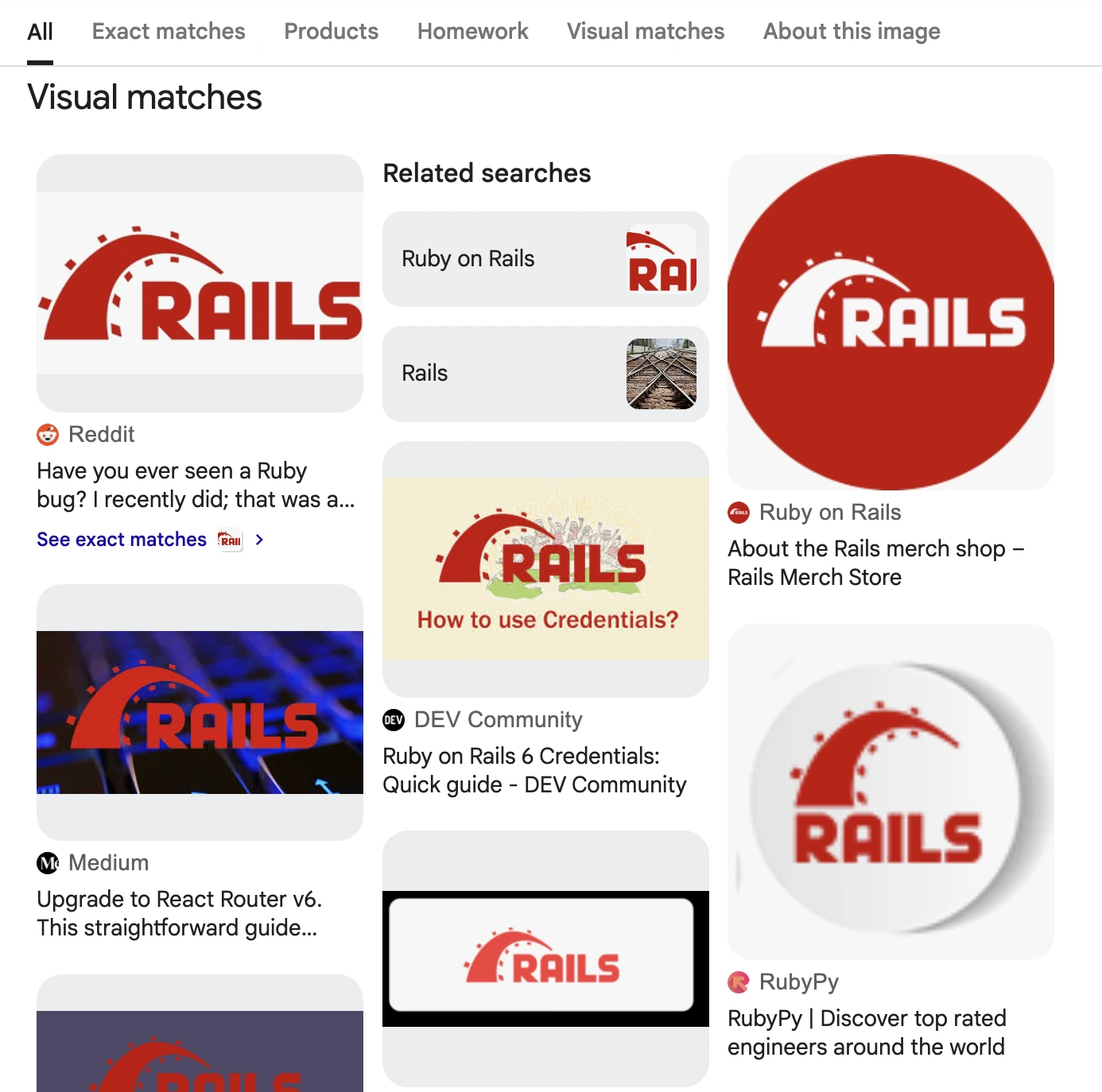
{
  ...
  "visual_matches": [
    {
      "position": 1,
      "title": "Have you ever seen a Ruby bug? I recently did; that was a surprise, however. However, Ruby is also a program, so why not? Check out my latest short article about how",
      "link": "https://www.reddit.com/r/rails/comments/14npr31/have_you_ever_seen_a_ruby_bug_i_recently_did_that/",
      "source": "Reddit",
      "source_icon": "https://serpapi.com/searches/687f3f5205e1377b37eec651/images/b35bf7bddd5c49aa9e65a3ddef183b8932cdf12383ba84da73edb2f72272e370.png",
      "thumbnail": "https://encrypted-tbn1.gstatic.com/images?q=tbn:ANd9GcTGcLZZOLlDjhIynz1SkzkWHBzgvaNvIQKi2wzm3WiZOQzhRFSX",
      "thumbnail_width": 168,
      "thumbnail_height": 300,
      "image": "https://external-preview.redd.it/have-you-ever-seen-a-ruby-bug-i-recently-did-that-was-a-v0-IO0yZousy_Dn2OWS2i2Zw6OEvYC7fxSDjAqS1pVC99w.jpg?width=640&crop=smart&auto=webp&s=7f0be67b4d5601add630f9f50bc1432897c83a7c",
      "image_width": 360,
      "image_height": 640
    },
    {
      "position": 2,
      "title": "About the Rails merch shop – Rails Merch Store",
      "link": "https://merch.rubyonrails.org/pages/about-us",
      "source": "Ruby on Rails",
      "source_icon": "https://serpapi.com/searches/687f3f5205e1377b37eec651/images/b35bf7bddd5c49aa00a6c2b18cb4fdeb262e20d6eb4af7e4c962c9f817248fcf.png",
      "thumbnail": "https://encrypted-tbn1.gstatic.com/images?q=tbn:ANd9GcR8-sc50RwF0saxz0R3wstBJQ-E1moZZTeCQafwxluzb37XnABe",
      "thumbnail_width": 225,
      "thumbnail_height": 225,
      "image": "https://merch.rubyonrails.org/cdn/shop/files/rails-circle.png?v=1721924104&width=500",
      "image_width": 500,
      "image_height": 500
    },
    {
      "position": 3,
      "title": "Ruby on Rails 6 Credentials: Quick guide - DEV Community",
      "link": "https://dev.to/superails/ruby-on-rails-6-credentials-quick-guide-2g8i",
      "source": "DEV Community",
      "source_icon": "https://serpapi.com/searches/687f3f5205e1377b37eec651/images/b35bf7bddd5c49aa0c084c28483d3a438d58a79e6e140dd2a4275fe757f3228a.png",
      "thumbnail": "https://encrypted-tbn0.gstatic.com/images?q=tbn:ANd9GcToIyjQtS8mRQgLGoFJmuNJSw0DJ1ZvmSSaHnuAIhRVuSLH_HTK",
      "thumbnail_width": 168,
      "thumbnail_height": 300,
      "image": "https://media2.dev.to/dynamic/image/width=1600,height=900,fit=cover,gravity=auto,format=auto/https://dev-to-uploads.s3.amazonaws.com/i/ydhsqbjqmzd6iiwa3q8w.png",
      "image_width": 900,
      "image_height": 1600
    },
    ...
  ],
  ...
}