Ruby
Ruby
 Golang
 .Net
.Net
 MCP
MCP
 C++
C++

Bing can search for videos across YouTube, TikTok, Facebook, Instagram, Dailymotion, Netflix, Vudu, Vimeo, news agencies, and many other sources across the internet. It supports filtering by video length, upload date, resolution, and source, along with the usual web search operators like domain:, intitle:, inbody:, and others.
The Bing Videos API from SerpApi allows you to fetch video search results in simple JSON format. You can use it in Python, JavaScript, Ruby, PHP, Java, and any other language and environment that supports simple GET requests. SerpApi handles the HTML parsing, proxy network, captcha puzzles, and other challenges for you, so you can spend more time on your actual project or business.
What can you scrape from Bing Videos?
Here's everything you can pull from Bing's video search results with SerpApi:
- Video metadata: The title, publishing date, channel/creator, length, and view count of each video result. The view count is provided in both its original text form (like
2.2M views) and a plain integer value (like2200000) for simple parsing. - Video link: The URL for each video result.
- Video thumbnail: Bing's cached thumbnail image for each video result.
- Video source: The original source of each video result, such as
YouTube,TikTok,Instagram, orNetflix. - Ads results: Advertisements that appear in the search result pages, including the title, description, and embedded links.
- Related and suggested searches: Lists of related searches from Bing that may appear on search results.
- Shopping results: Any shopping results that appear alongside the videos.
- Short videos: Video results that Bing has identified as "short videos," which are usually vertical videos from platforms like TikTok and YouTube.
Getting started with SerpApi
Before you can pull results from Bing Videos, you need a free SerpApi account. SerpApi can also extract data from Google Videos and Yahoo Videos, along with more general-purpose search engines like Google Search, Bing Search, DuckDuckGo, and others. You can upgrade to a paid account later if you need more search capacity, faster speeds, or other features.
If you haven't already, create an account and verify your email and other details. After that, you need to grab your API key, which can be found in your account dashboard.
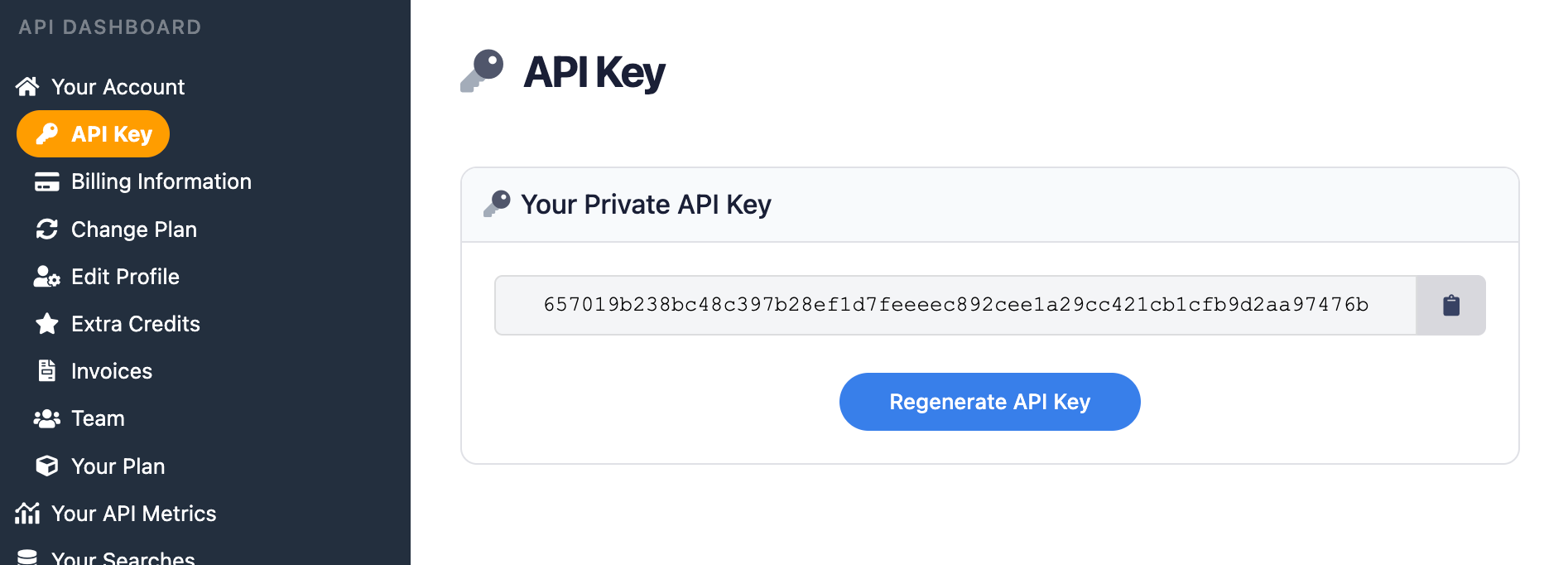
You should store your API key in a safe location if you are sharing or publishing your code. If the key is leaked or stolen, you can regenerate it from the SerpApi account dashboard.
Install the SerpApi library (optional)
You can use SerpApi's official libraries for Python, JavaScript, Ruby, Java, and other languages. They provide a simple wrapper around the API requests.
You can also use a simple GET request, using cURL, fetch() in Node.js, and other similar methods. This guide will cover both the GET method and several of the official integrations.
Review the Bing Videos API documentation
Every API at SerpApi has extensive documentation that covers all the supported parameters and filters, code examples for popular languages, and example JSON responses. The Bing Videos API documentation has everything you need.
 SerpApi
The only required setting is the search query, represented by the q parameter.
How to scrape Bing Videos results
If you have your API key, you're ready to start pulling data from Bing Videos. No matter which integration or method you use for accessing SerpApi, the API results will be identical.
GET request
Here's how you can perform a videos search for "Paris" with a GET request, with the search region set to the United States:
https://serpapi.com/search.json?engine=bing_videos&q=paris&mkt=en-US&api_key=YOUR_KEY_GOES_HEREThis filters the results to only videos from YouTube, and only videos uploaded in the past month:
https://serpapi.com/search.json?engine=bing_videos&q=paris+domain:youtube.com&date=lt43200&mkt=en-US&api_key=YOUR_KEY_GOES_HEREBing's search query filters don't always work, so make sure to check the output. YouTube isn't one of the filter options in SerpApi's source_site parameter, since it's not in the Bing website's dropdown menu, so the only alternative is the domain:youtube.com filter in the search query.
Python
This searches for "Atlanta" with Bing Videos in the United States, and returns the URL for each video, using the official Python library:
import serpapi

client = serpapi.Client(api_key=YOUR_KEY_GOES_HERE)
results = client.search({
  "engine": "bing_videos",
  "q": "atlanta",
  "mkt": "en-US"
})

for result in results["video_results"]:
    print(result["link"])
You could also display all the results from highest views to lowest views, by sorting the video_results array based on the extracted_views value:
import serpapi

client = serpapi.Client(api_key=YOUR_KEY_GOES_HERE)
results = client.search({
  "engine": "bing_videos",
  "q": "atlanta",
  "mkt": "en-US"
})

sorted_videos = [obj for obj in results["video_results"] if "extracted_views" in obj]
sorted_videos = sorted(sorted_videos, key=lambda video: video["extracted_views"], reverse=True)
print(sorted_videos)
Ruby
Here's how you can find video results for "Seattle," using the United States as the search region and no other settings, powered by the official SerpApi Ruby gem:
require "serpapi"

client = SerpApi::Client.new(
    engine: "bing_videos",
    q: "seattle",
    mkt: "en-US",
    api_key: YOUR_KEY_GOES_HERE
)

puts client.search[:video_results]
This filters the results to only videos from Instagram, using a combination of Bing's domain web search filter and checking the video's URL path:
require "serpapi"

client = SerpApi::Client.new(
    engine: "bing_videos",
    q: "seattle domain:instagram.com",
    mkt: "en-US",
    api_key: YOUR_KEY_GOES_HERE
)

for result in client.search[:video_results] do
    if result[:link].include? "instagram.com"
        print(result)
    end
end
Bing's search operators don't always work as expected, which is why this sample checks the output after the fetch is completed.
JavaScript and Node.js
This is how you can search for "Richmond" on Bing Videos using the official JavaScript library, with the search region set to the United States:
import { getJson } from 'serpapi';

const search = await getJson({
    engine: "bing_videos",
    q: "richmond",
    api_key: YOUR_KEY_GOES_HERE
});

search?.video_results.forEach(function (result) {
    console.log(result);
})
Here's the same search again, but the videos are sorted from most popular to least popular, using the extracted_views parameter:
import { getJson } from 'serpapi';

const search = await getJson({
    engine: "bing_videos",
    q: "richmond",
    api_key: YOUR_KEY_GOES_HERE
});

if (search?.video_results) {
    let sortedResults = search.video_results;
    sortedResults.sort(function(a, b) {
        return parseInt(b.extracted_views) - parseInt(a.extracted_views);
    })
    console.log(sortedResults);
}
cURL
This searches for "Montreal" with Bing Videos, with no region or other settings configured:
curl --get https://serpapi.com/search \
 -d engine="bing_videos" \
 -d q="montreal" \
 -d api_key="YOUR_KEY_GOES_HERE"
This is the same search again, but using the JSON Restrictor feature to only return the titles and URLs:
curl --get https://serpapi.com/search \
 -d engine="bing_videos" \
 -d q="montreal" \
 -d json_restrictor="video_results[]{title,link}" \
 -d api_key="YOUR_KEY_GOES_HERE"
Other languages and no-code solutions
If there isn't an official SerpApi integration for your preferred language or environment, you can still use the API directly with GET requests. You can also use SerpApi with Make.com, N8N, and other tools.
Conclusion
Bing's video search is an extensive database of the internet's uploaded videos, streaming movies and TV shows, and social media clips. With the Bing Videos API from SerpApi, you can access all of those results programmatically in simple JSON format.
The Bing Videos API can be incredibly powerful for identifying trends, competitor analysis, archival tasks, and many other use cases. It can also work as an alternative to our Google Videos API and Yahoo Videos API, or you can combine the outputs to cover gaps in each engine's search index.
If you need help using SerpApi, please contact us.