Ruby
Ruby
 Golang
 .Net
.Net
 MCP
MCP
 C++
C++

We are pleased to announce the release of our Custom App on Make.com. This makes it easier than ever to integrate SerpApi with other systems without having to write any code.
If you're not familiar with Make (formerly known as Integromat), it's a no-code integration platform enabling the connection of multiple apps and the exchanging of data between them. As Make puts it themselves, "You don't need to be a coder to share data across apps."
All you'll need to get started is:
- A Make account
- A SerpApi API key
If you don't already have a SerpApi API key, register an account and then find your API key.
Make Your First Search
Create a new Scenario to get started.
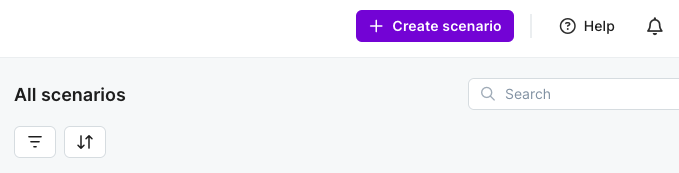
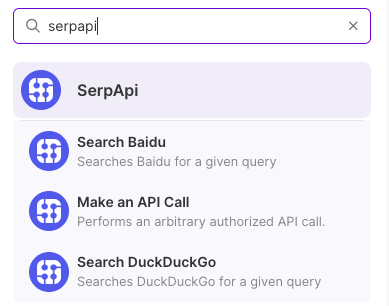
Search for the SerpApi app. Select a Module like "Search DuckDuckGo."
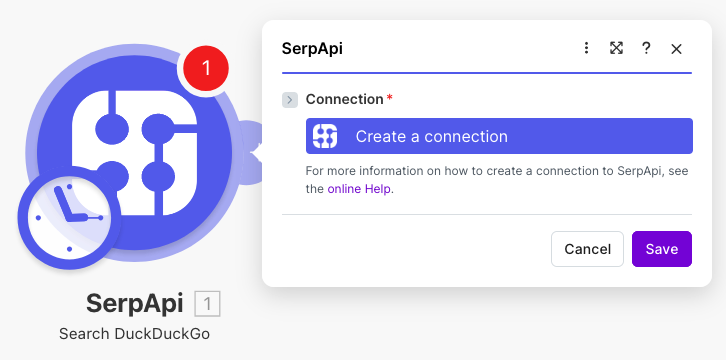
You'll add your SerpApi API key by creating a connection. Click "Create a connection."
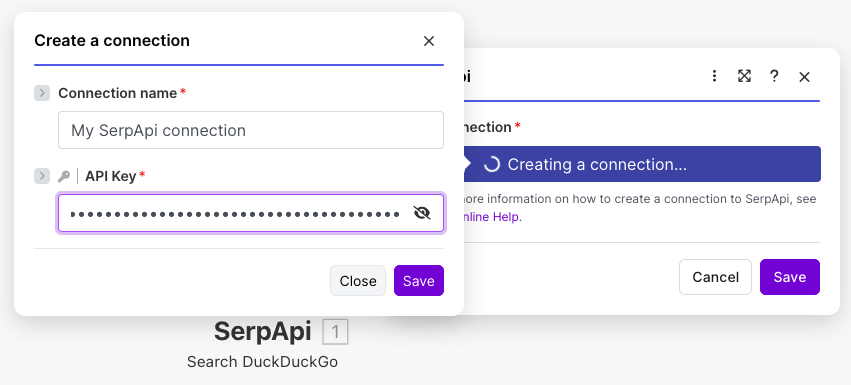
Enter your API key and give your connection a name.
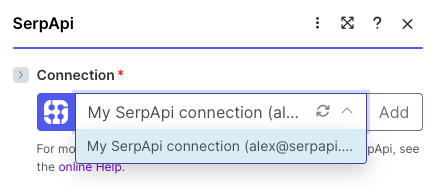
You'll know you entered your API key correctly if you see the connection listed with your email address next to it as shown in the screenshot below.
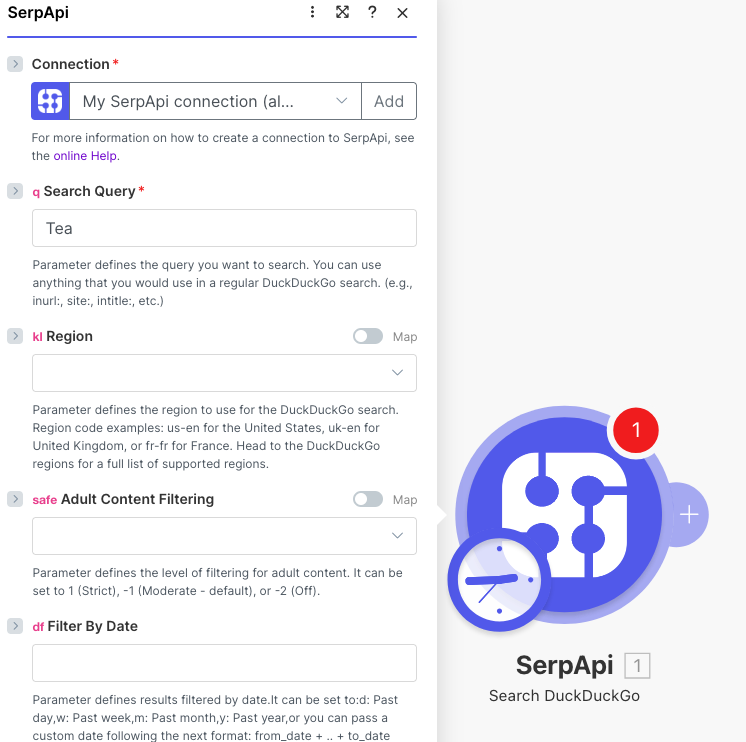
After the connection is made, the Module form will automatically update to show all the available query params. Add something to the q param labeled "Search Query" and then hit "OK" at the bottom of the form.
Test your Scenario by hitting "Run once."

The output of your query will automatically appear.
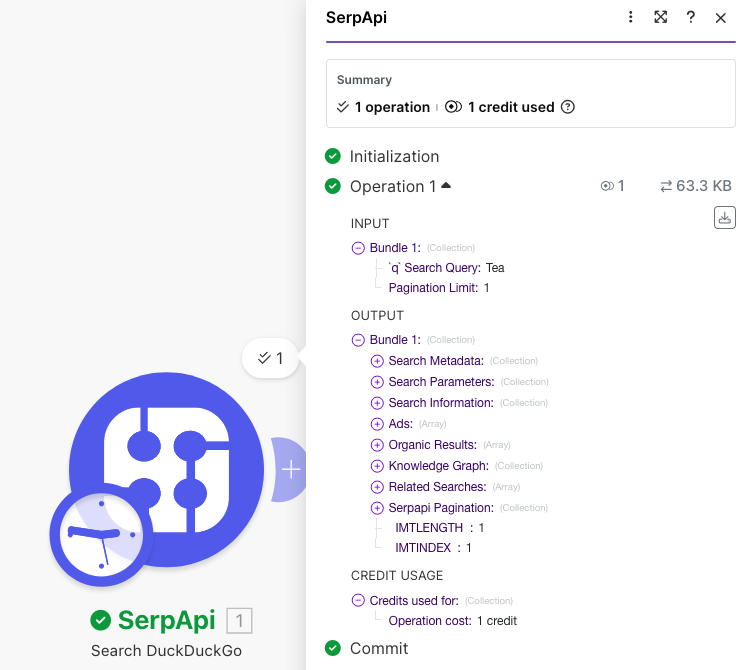
Congrats. You've made your first SerpApi query on Make. Next we'll look at how to chain queries together.
Integrating with Other Apps
Making API calls in a vacuum and not doing anything with the data isn't very interesting of course.
Fortunately, Make integrates with practically every system you might want to send this data to. Apps exist for CRMs, data warehouses, AI tools, document collaboration, and so much more. Going through all these is outside the scope of this post, but I encourage you to have a look at Make's app directory.
If you're looking for instructions on integrating with Google Sheets, once again I'll point you to my previous Make tutorial:
 Alex Barron
Pagination
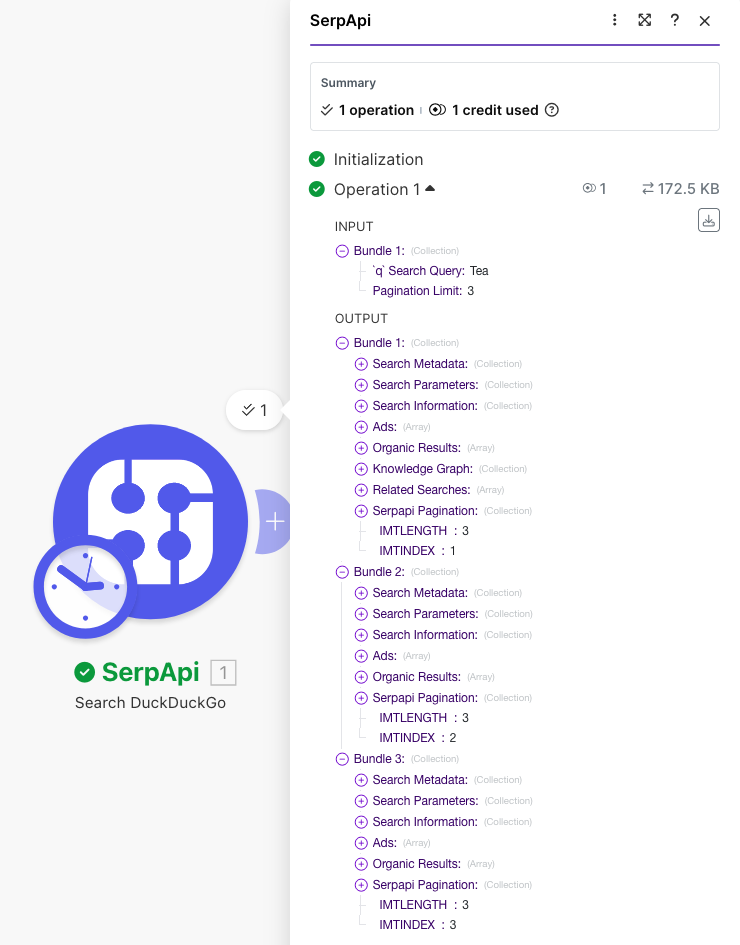
For any of our APIs that support pagination, you will see a "Pagination Limit" parameter appear in the Module settings. The default value is 1 to only grab the first page of results. This will also only consume one of your search credits.
Simply increment this number to fetch additional pages.
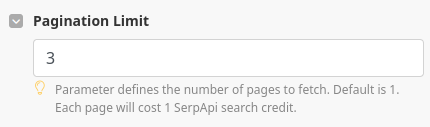
Then run your Scenario as you normally would. Make will automatically fetch the additional pages for you and display the results as Output Bundles.
Universal Module
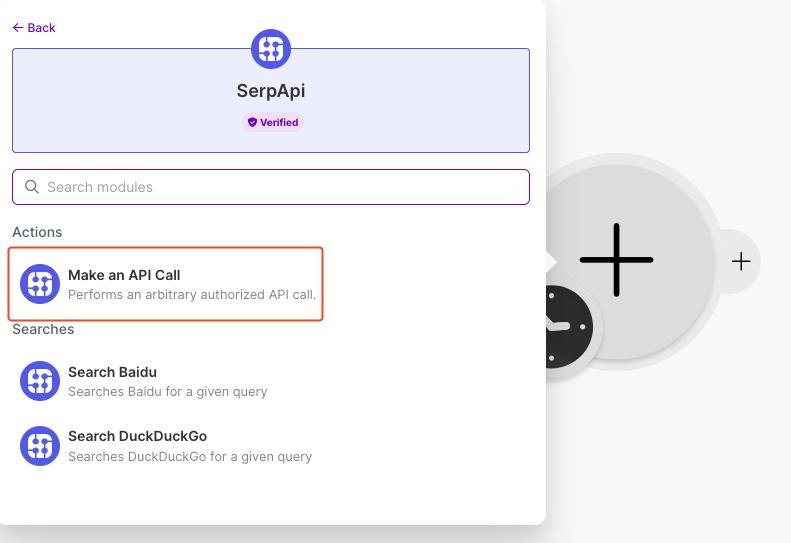
With the Universal "Make an API Call" Module, you can query any of the search engines we offer, but don't have native Modules in Make. This includes all Google associated APIs.
The main difference is the Universal Module requires that you manually add the request path and each param. Additionally, the pagination will not be automated like the other Modules.
To access this Module, select the "Make an API Call" option from the list.
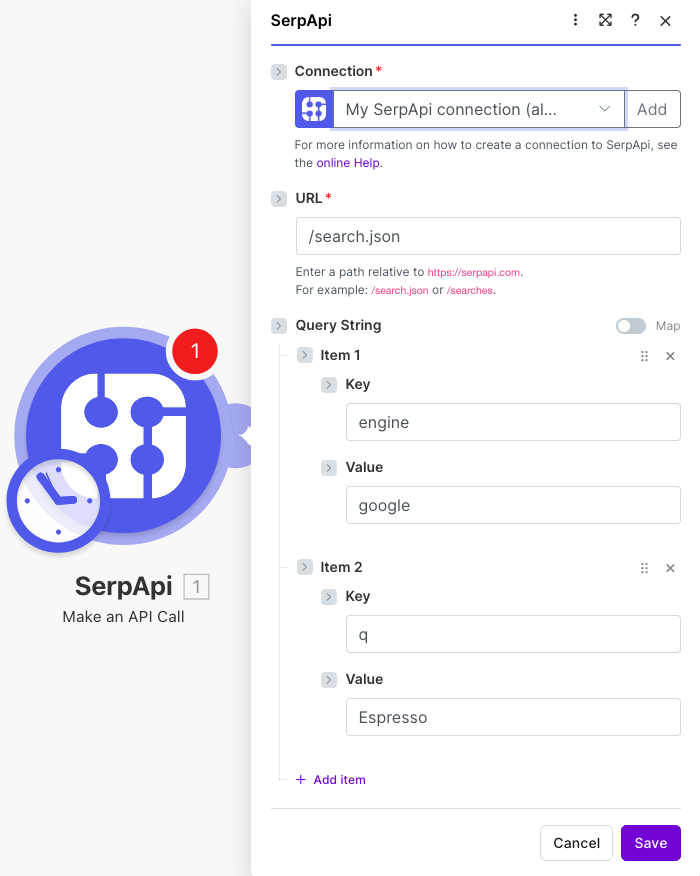
Add /search.json to the URL field.
Add query params for engine equal to duckduckgo and q equal to whatever you want to search. Then press "OK".
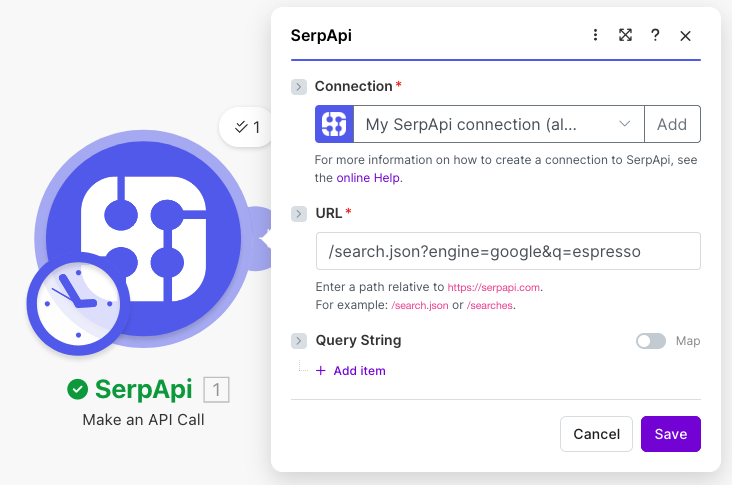
You can also paste the whole query string in the URL field excluding your API key. This is likely easier if you're copying from our API Playground or documentation.
Another No-Code Integration Option
If you're looking for better native SerpApi support in a no-code platform, check out our n8n node which offers all of our most popular APIs natively in the platform. You can read more about our n8n node here:
 Alex Barron
Need Help?
Reach out to contact@serpapi.com. We'll be happy to assist!