






 Ruby
 Golang
 .NET
 MCP
 C++

Java isn’t the main language people think of for web scraping, but it’s a strong choice. It’s fast, strongly typed, has a mature ecosystem, and already runs much of the backend infrastructure where scrapers end up living.
However, there are numerous options for Java scraping libraries. Some tools only fetch pages. Some only parse HTML. Some drive a real browser. Some crawl millions of URLs across a cluster.
This guide walks through ten of the best options, grouped by what they actually do, so you can choose the one that fits your project. By the end, you’ll know which tool suits a quick one-off script, a JavaScript-heavy site, or a production crawler, and when it makes more sense to skip maintaining scrapers altogether.
Where Are We Collecting the Data From?
All information displayed on a website is rendered in three ways:
- Static HTML: the raw source code of the page, written in tags and delivered as soon as the page loads
- JSON APIs: the structured data from the website’s own application sent to the browser
- Dynamically Loaded Content: the later rendered information injected into the page by JavaScript
Whether the data arrives immediately (static HTML) or a moment later (dynamic content), all three can be scraped. What changes is the tool you need.
A quick way to find out which one you’re dealing with is to compare the page’s source (the raw HTML the server sent) with what you see on screen.
If the data you want is in the source, it’s static. If it’s missing from the source but visible on the page, it’s loaded dynamically. In that case, check your browser’s network tab, because there’s often a JSON endpoint behind it that you can call directly and avoid a browser entirely. In Java, a plain HTTP client plus a JSON library such as Jackson or Gson is all you need for that.
Static Libraries
For pages where the data is already in the HTML or available from a JSON endpoint, the most common approach pairs two tools:
- An HTTP client is used to fetch the page. It sends the request and gets back the raw text.
- An HTML parser is used to read that text and pull out the pieces you want, such as titles, prices, and links.
The three options below cover the most common choices, from simplest to most controllable.
1. Jsoup
Best for: beginners and quick scripts
This is the classic starting point. Jsoup does both jobs. You can call Jsoup.connect(url).get() and get back a parsed document, in code that reads almost like plain English. It turns the page into a tree of elements you can search with CSS selectors, such as div.quote for “every div with the class quote”, much like jQuery. It is forgiving of messy or broken HTML, which websites have plenty of, and it is well documented and easy to debug.
As for its limitations, Jsoup can’t run JavaScript, so anything loaded client-side won’t be in the result. Its built-in fetcher also gives you less control over connection pooling, retries, and authentication than a dedicated HTTP client. For a handful of pages, or even a few hundred, it is still the most efficient.
See it in action here.
2. Apache HttpClient + Jsoup
Best for: projects that need proxies, sessions, or precise request control

Apache HttpClient is a full-featured HTTP client that gives you fine control over headers, cookies, proxies, connection pooling, retries, and authentication. It only fetches, so you hand the response body to Jsoup to read.
The tradeoff is boilerplate. It takes noticeably more code than Jsoup’s built-in fetcher, so don’t reach for it until you need what it offers. [Optional: Java’s built-in java.net.http.HttpClient is a zero-dependency alternative for simpler cases.]
See it in action here.
3. Jaunt
Best for: simple scraping and automation without a heavy dependency stack
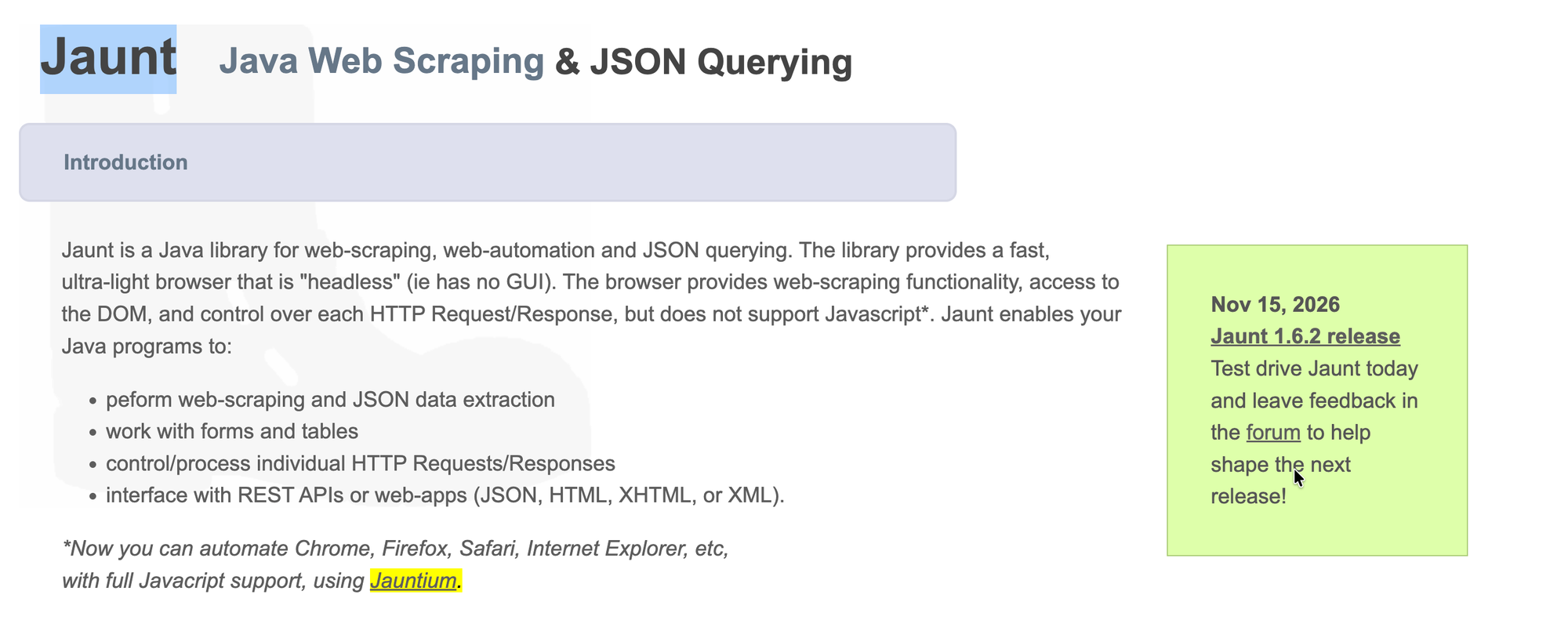
Jaunt is a lightweight library that behaves like a browser without being one. It combines fetching with HTML, XML, and JSON parsing in a compact API and handles navigation, cookies, and form submission. That lets you log in to a site or step through a form, then read the result without much code. Its companion, Jauntium, adds real browser automation.
It has no JavaScript engine of its own, so it can’t handle pages that build their content in the browser. It is also distributed as monthly releases that expire, so you need to download a newer version periodically.
See it in action here.
Dynamic Libraries
Some pages send almost no data in the initial HTML and build everything with JavaScript, so a client and parser see an empty shell. Headless browsers load the page in a real browser engine without showing a window, run the JavaScript, and let you read the finished result.
The tradeoff is cost. Browsers using dynamic libraries are slower and use much more memory than simple requests, so only use them when needed.
4. Playwright for Java
Best for: modern sites that rely heavily on JavaScript
Playwright launches a real browser (Chromium, Firefox, or WebKit) and controls it with code. You open a page, wait for the elements you need to appear, and read them. Its “auto-waiting” handles many timing problems for you, which makes scripts more reliable than hand-timed delays. It can also click, scroll, fill in forms, and intercept network requests.
There is a one-time download of browser binaries, and a full browser is always heavier than a plain request. Always check whether the data is in the page source before reaching for one.
See it in action here.
5. Selenium
Best for: teams with existing Selenium experience and broad browser support
Selenium is the long-standing tool for controlling a real browser from code, originally built for testing websites. It works like Playwright: your script starts Chrome, opens a page, lets the JavaScript run, and reads the finished result. It supports many browsers and languages and has a huge community, so answers to nearly any problem are easy to find.
Its style is a little more manual. You tell it what to wait for with explicit waits, or your code can read the page before it is ready. Newer tools like Playwright tend to feel smoother for scraping, but Selenium remains a solid, well-understood option, especially if it is already part of your stack.
See it in action here.
6. HtmlUnit
Best for: lightweight JavaScript support in constrained environments

HtmlUnit is a “GUI-less browser” written in Java. It simulates a browser, including JavaScript execution, without launching a real one, so it is much lighter than Playwright or Selenium. It can also follow links, keep cookies, and submit forms.
The tradeoff is fidelity. Its JavaScript runs on a separate engine rather than a real browser, so support is good but not identical, and sites built on newer frameworks can behave differently. Test it against your target site early, before you build around it. It fits best on simpler pages where you want JavaScript support without the weight of a full browser.
See it in action here.
Frameworks
A framework handles the whole workflow in one package: fetching, parsing, following links, retrying failures, and saving results.
7. WebMagic
Best for: structured, medium-scale crawlers that need more than a script but less than a cluster
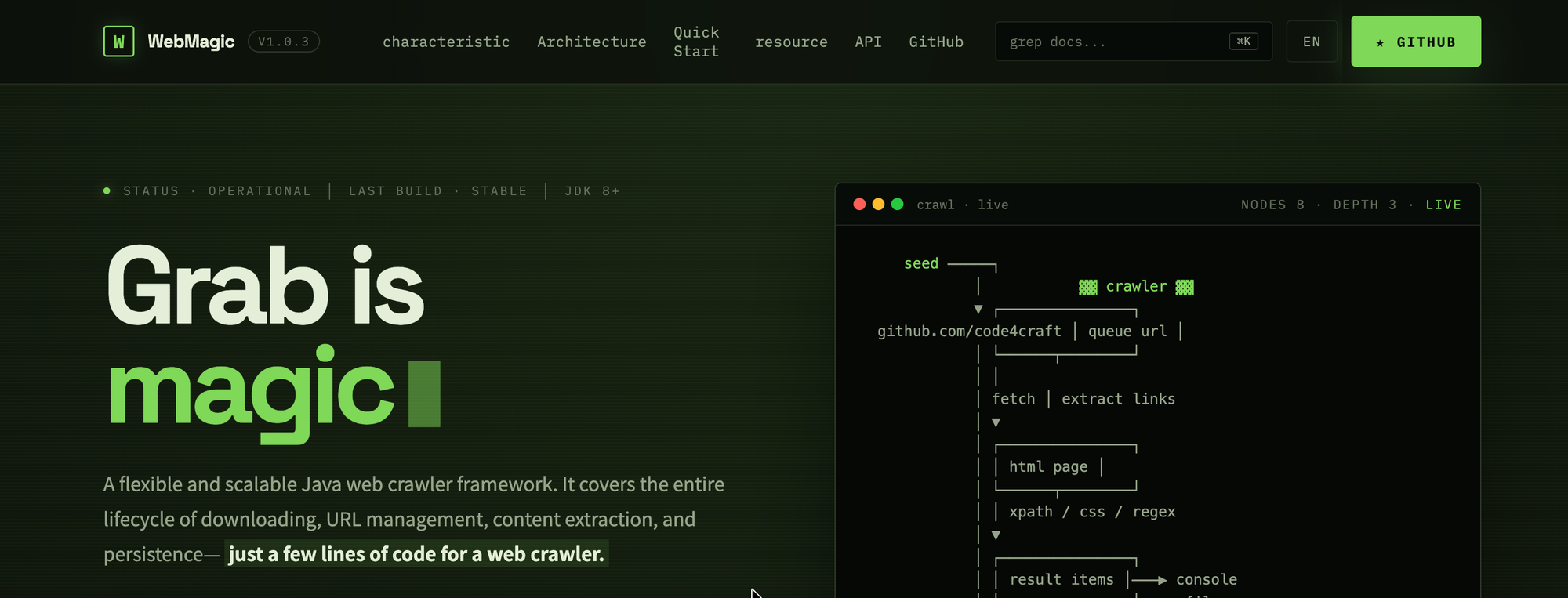
WebMagic replaces the pieces you would otherwise assemble yourself. It has a clean, Scrapy-inspired design: you write a page processor that says how to read each page, and WebMagic handles scheduling, downloading, and output pipelines. It also supports annotation-based extractors, so you can go from idea to working crawler without much scaffolding.
The cost is a smaller English-speaking community, since its documentation is stronger in Chinese than in English. It doesn’t render JavaScript on its own either, though it offers an optional Selenium-based module. For a quick one-page script it is overkill, but for a scraper you will run again and again, it saves a lot of code.
See it in action here.
8.Crawler4j
Best for: focused, multi-threaded crawls on a single machine
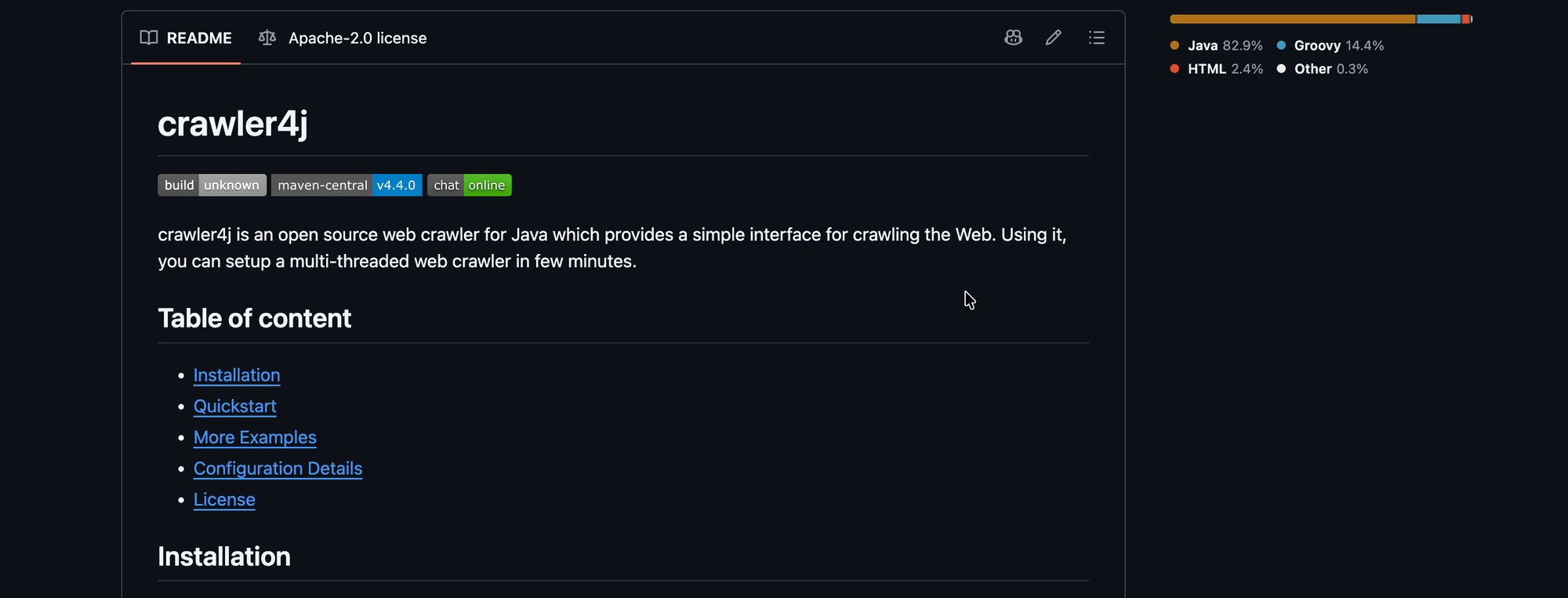
crawler4j is an open-source Java crawler built around a simple idea: you write a crawler class with two methods, shouldVisit to decide which links to follow and visit to handle each downloaded page, and a controller runs it across a number of threads. It keeps a queue of URLs waiting to be visited (the frontier), follows robots.txt, and lets you set limits such as the maximum pages to fetch. The original project (4.4.0) was last released in 2018 and stores its queue in Berkeley DB, an artifact that no longer resolves from Maven Central. The maintained fork (de.hs-heilbronn.mi) fixes that by letting you choose a frontier: HSQLDB, Berkeley DB (Sleepycat), or an external URLFrontier service. The HSQLDB option also avoids the Sleepycat license.
The cost is that you still write the crawling logic yourself. crawler4j doesn’t render JavaScript, and it has no built-in indexing pipeline or cluster mode like Nutch. Its API also changed between the original and the fork, for example BasicURLNormalizer now comes from crawler-commons and the frontier classes live in separate modules, so older tutorials often won’t compile. For crawling a site or a few thousand pages from one machine, it’s one of the quickest ways to get started.
9. Apache Nutch
Best for: large-scale batch crawling and search-engine-style pipelines
Apache Nutch is an open-source crawler, and one of the oldest and most battle-tested in the Java ecosystem. Nutch 1.x relies on Apache Hadoop and works in batches, in rounds. Each round it chooses which URLs to fetch, downloads them, parses the content, and updates its database of known links, then repeats. Parsing can run through Apache Tika, results can be sent to a search index such as Solr or Elasticsearch, and politeness features like robots.txt support and per-host throttling are built in. A plugin system lets you extend most stages. Nutch can run on a single machine, but it gains most of its strength on a Hadoop cluster.
The cost is a steep setup and learning curve. Nutch is configured through XML files and command-line jobs rather than a few lines of code, and it doesn’t render JavaScript out of the box. For a few hundred pages it is overkill. For crawling millions of URLs, it saves a lot of work.
Enterprise Tools
Once the number of requests you send grows, scraping gets harder. Managed services handle any problems on their side, so you spend your time using the data instead of maintaining the scraper.
10. Managed Scraping Services
Best for: scaling up without maintaining your own scrapers, browsers, and proxies
A managed service takes over the hardest parts of scraping at scale. You send a request to its API with your key and what you want, and it handles the browsers, proxies, retries, and additional challenges on its side, returning data you can use directly. These services are paid, so they make the most sense once the time spent keeping your own scrapers working costs more than the service. For simple pages, a client and parser from earlier in this article is still the better choice.
Some services specialize. SerpApi, for example, focuses on search engine results: you send a query and get structured JSON back, so there is no HTML to parse. It is a different job from scraping ordinary websites, but it shows what this category looks like in practice.
See it in action here.
Questions to Ask Yourself When Choosing a Tool
- Is there an official API for the site or service I want to access?
If so, use it. An API is built for programmatic access, returns structured data, and is far less likely to break than scraping. Scrape only when there is no API or it doesn’t offer the data you need. - Am I a beginner?
Start with Jsoup. It is the easiest to learn and debug, and most Java scraping tutorials use it. Move to something else only when you hit a real limit. - Is the information I want to access static?
Check by viewing the page source and searching for the data you want.
If yes, use Jsoup, optionally with Apache HttpClient. If the site needs a login or a form but no JavaScript, Jaunt handles that.
If no, look in your browser’s network tab for a JSON endpoint first. If none is found, use a headless browser such as Playwright or Selenium. - How many pages do I need to scrape?
If it is fewer than 50, the simplest tool (such as Jsoup) is best. If the number is in the thousands, consider a framework like WebMagic that will schedule and retry for you. If it is in the millions, or you need to re-crawl constantly, look at Nutch or StormCrawler. - How much time do I want to spend on maintenance?
Scrapers break when sites change. A framework gives you structure for retries, logging, and saving results, which makes a scraper easier to keep running. If you would rather not maintain scrapers at all, a managed service (such as SerpApi) takes that work on. - How often will this scraper run?
For a one-off job, a quick script is enough, so don’t over-engineer it. For something that runs daily or hourly, a framework is worth the setup, and you should plan to check regularly that your selectors still work. - Do I need to be concerned about sites blocking me?
Small, polite scraping rarely triggers blocks. Check the site’s robots.txt and terms of service, add delays between requests, identify your scraper with a User-Agent, and limit concurrency. As your project scales, keeping a scraper reliable becomes a job of its own: page layouts change, success rates get inconsistent, and maintenance eats into your time. That is when to consider a managed service.
Conclusion
There’s no single best Java scraping library, only the best one for the job in front of you. Start with the simplest tool that works. Jsoup covers more cases than people expect. Reach for Playwright or Selenium when JavaScript gets in the way, a framework like WebMagic when the project grows, and Nutch only when scale demands it. And if the real pain is keeping scrapers alive against blocks and layout changes, it may be worth handing that work to an API.
Want to learn more about Java web scraping? Check out this in-depth tutorial.