Ruby
Ruby
 Golang
 .Net
.Net
 MCP
MCP
 C++
C++

If you're a journalist, blogger, or creator, you might have published work on many different websites and platforms. It's not always easy to find all those articles, blog posts, or podcast transcripts again, and archiving them for offline preservation is another challenge. That's why we made Byline, a tool for finding and saving your published work across the web.
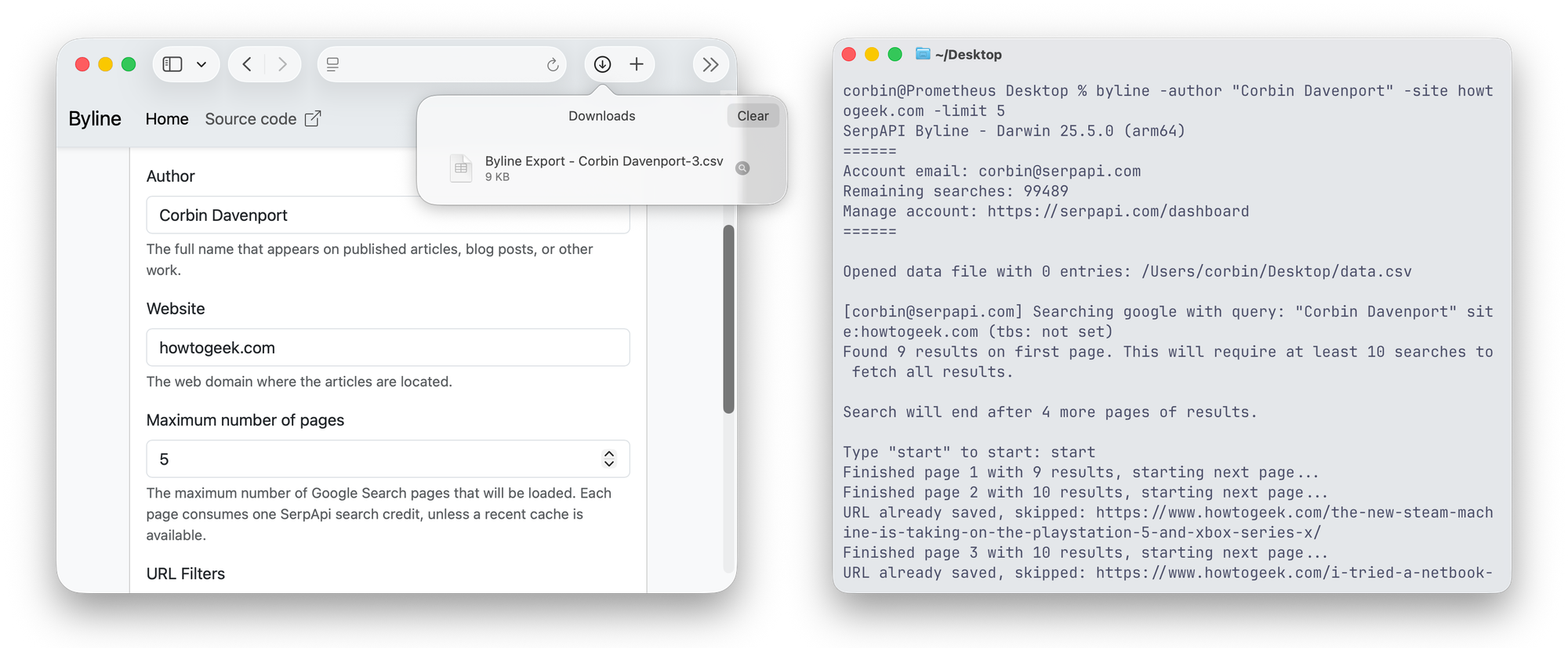
Byline is available as both a web app and a command-line application for Windows, Mac, and Linux. It's free to use (with a limited amount of searches) and open source under the MIT license.
Find your work
With Byline, you just enter your name (or someone else's) and the website with the published content, and start a search. If there are any matching results, you can confirm the search, and Byline will run through all results and save them to a CSV spreadsheet file.
Under the hood, Byline performs a Google web search using SerpApi's Google Search Engine Results API and continues through each page until it reaches the limit you configured, or until there are no results remaining. That means it can find anything with your name on it that Google is currently showing in search results. Byline automatically converts Google's various date and time formats into standard ISO 8601 format, and it skips duplicate entries.
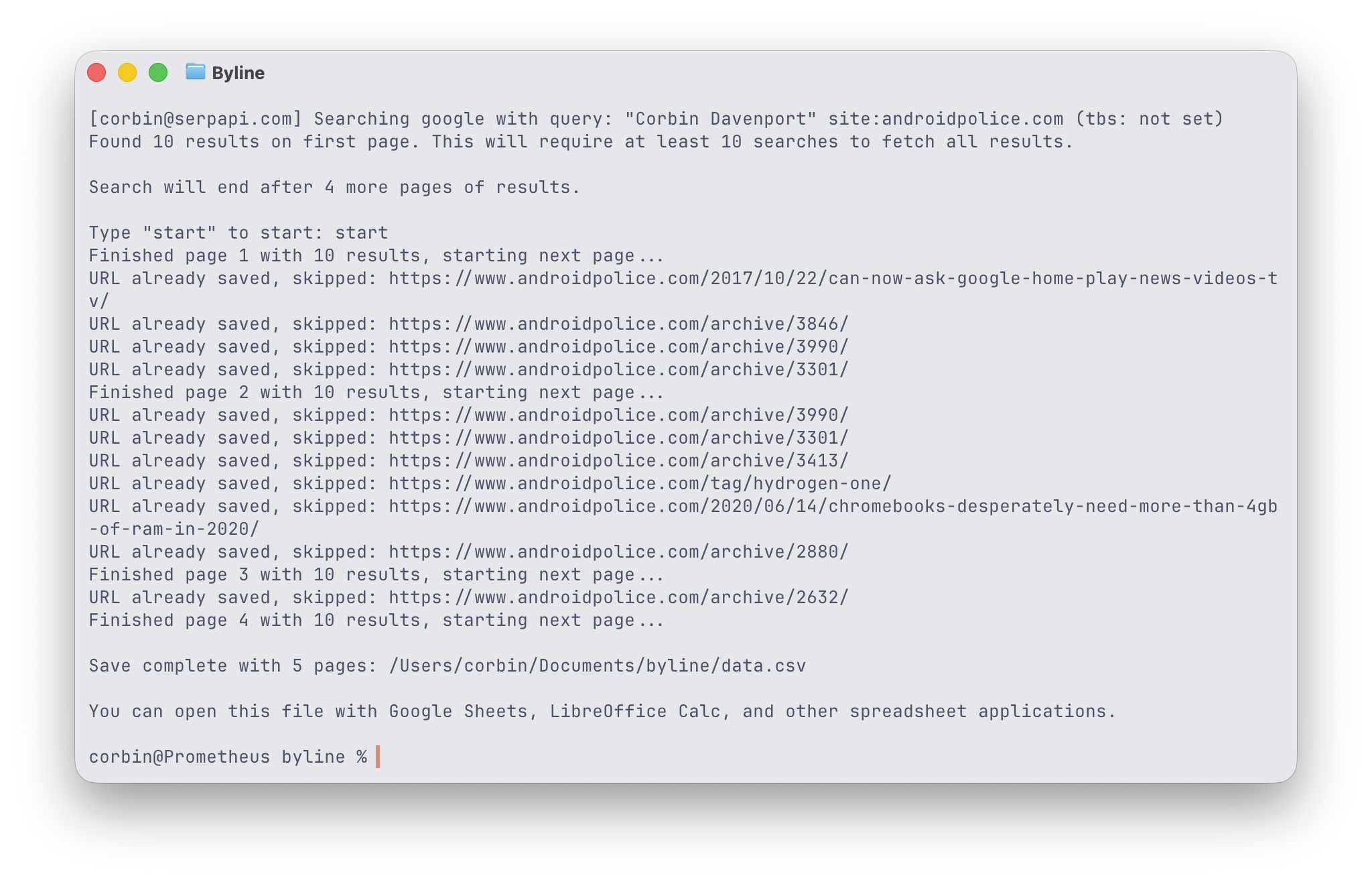
You can customize your search with a start and end date, a maximum number of search results pages to load, and URL patterns to skip in searches. For example, if you're searching on a blog that creates pages for all tags with /tag/ in the URL, you may want to add that as a filter for fewer duplicate results.
There is one catch—this process might not be enough to find all of your published content. Even if the source material is still public and indexed by search engines, Google might not put it in any search results. Byline might support additional search engines and other discovery methods in the future, but for now, you may have to combine Byline's output with other scraping methods (or manual archives) to get the full picture.
Save your work
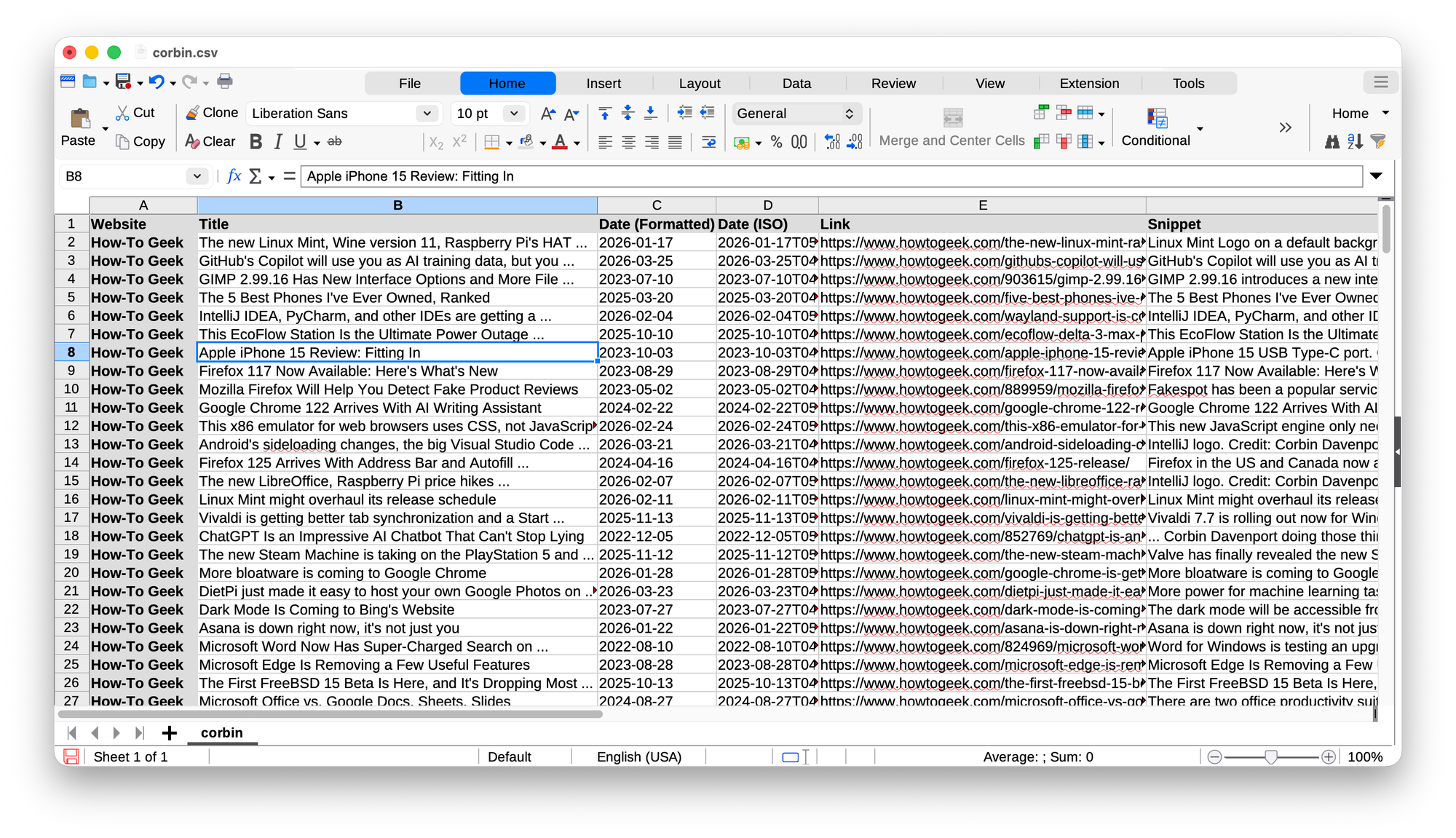
The CSV spreadsheet file created by Byline can opened and edited in Microsoft Excel, Apple Numbers, LibreOffice Calc, Google Sheets, and other spreadsheet applications. That's your list of links (with associated metadata) to keep forever. It's just a plain text file, not anything proprietary.
You can also run Byline again with the same CSV file to add more entries. For example, if you saved all your articles on August 1, 2026, and a few months later you want to check for newer entries, you could run Byline with the start date filter set to August 1.
But what if you want to archive the contents of the articles or blog posts? After all, articles can vanish from websites, or they can become broken and mangled with CMS migrations. Thankfully, Byline can help with that as well.
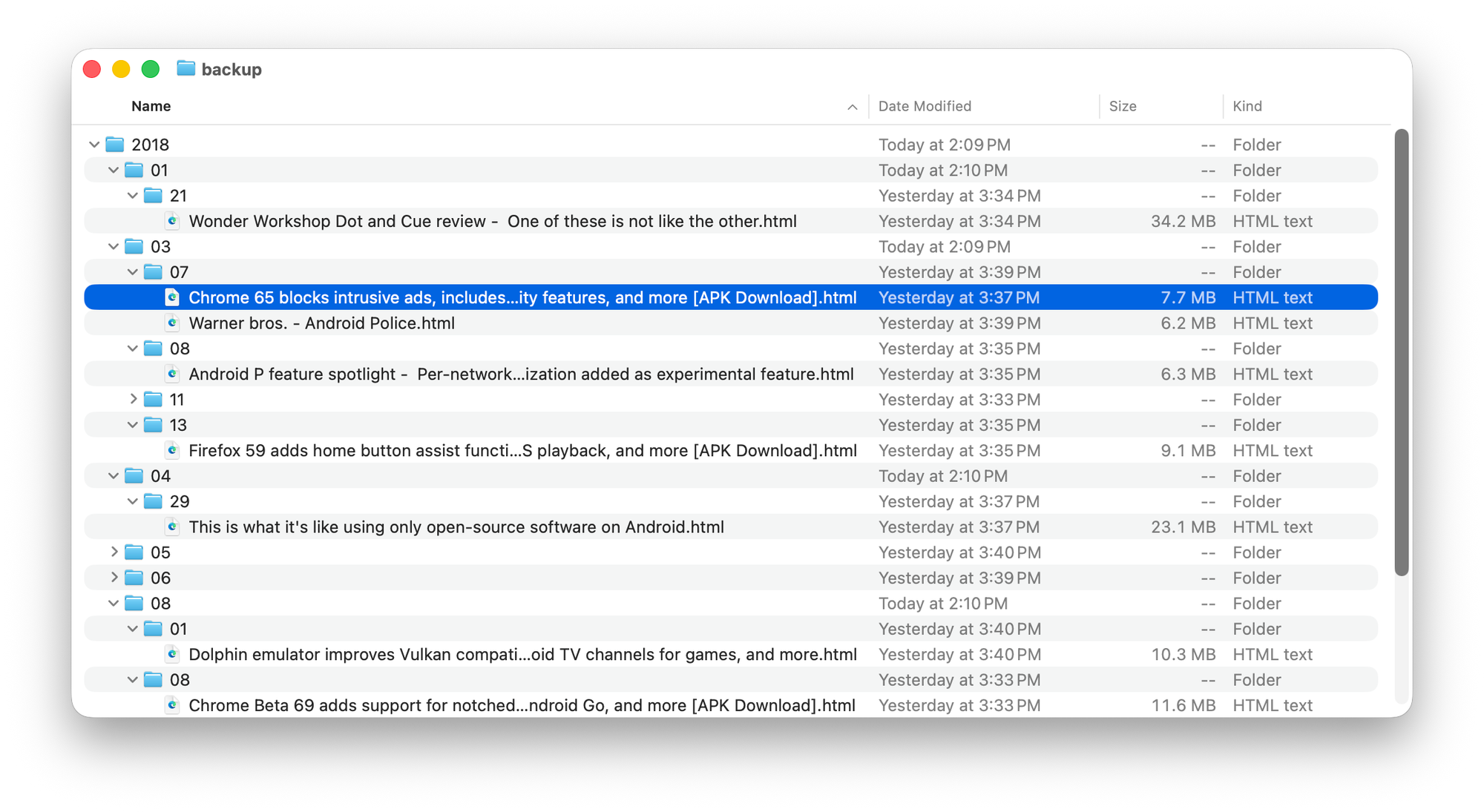
After you have your CSV spreadsheet of links, Byline can optionally use an installed copy of Monolith (which is also free and open-source) to create self-contained HTML page backups of each item. The backups are saved in one big folder, with sub-directories organized into years, months, and days. When it's done, you can copy that folder to your preferred cloud storage solution, external drive, NAS, or other location.
You aren't limited to Monolith's backup method. The CSV spreadsheet of links created by Byline can be imported with many other tools, like ArchiveBox, or you can submit the individual URLs to the Internet Archive's Wayback Machine.
Try out Byline
You can use Byline at byline.apps.serpapi.com in your web browser. The web app does not currently support importing/appending existing CSV files or backing up links with Monolith, but the command-line version has those features.
The Byline command-line application is available to install from the NPM package repository on any Windows, macOS, or Linux computer with Node.js installed. Don't be scared by the terminal—there are detailed instructions for installing and using it.
Byline requires a SerpApi account, which (as of the time of writing) includes 250 free search credits each month. That means Byline can go through around 250 pages of Google search results at no cost.
This is an open-source project on GitHub under the MIT license, so you can read through the code, make feature requests and bug reports, or use it as the foundation for other projects. It's just one example of the great tools you can build with SerpApi.